Start a diagram
Paste Mermaid text
Copy Mermaid text from anywhere, open the diagram page and press ⌘V (Mac) or Ctrl+V (Windows). You can also right-click the diagram and choose Paste.
Line9 replaces the diagram on the page with the one you pasted. To go back, click Undo in the message that appears.
You can paste a whole chat reply or Markdown document: Line9 uses the first Mermaid diagram in it. Pasting a Line9 link opens the diagram it links to.
Drop or open a file
Drag a file onto the diagram page, or open the menu in the top-left corner and choose Diagram ▸ Open from file…. Line9 opens:
.mmdand.mermaidfiles.mdfiles that contain a Mermaid diagram
With Line9 Pro, Diagram ▸ Open… finds any diagram your team has published.
Open an example
Choose Diagram ▸ Examples and pick one. The examples are grouped by subject, from business processes to architecture. Line9 opens a copy for you to change.
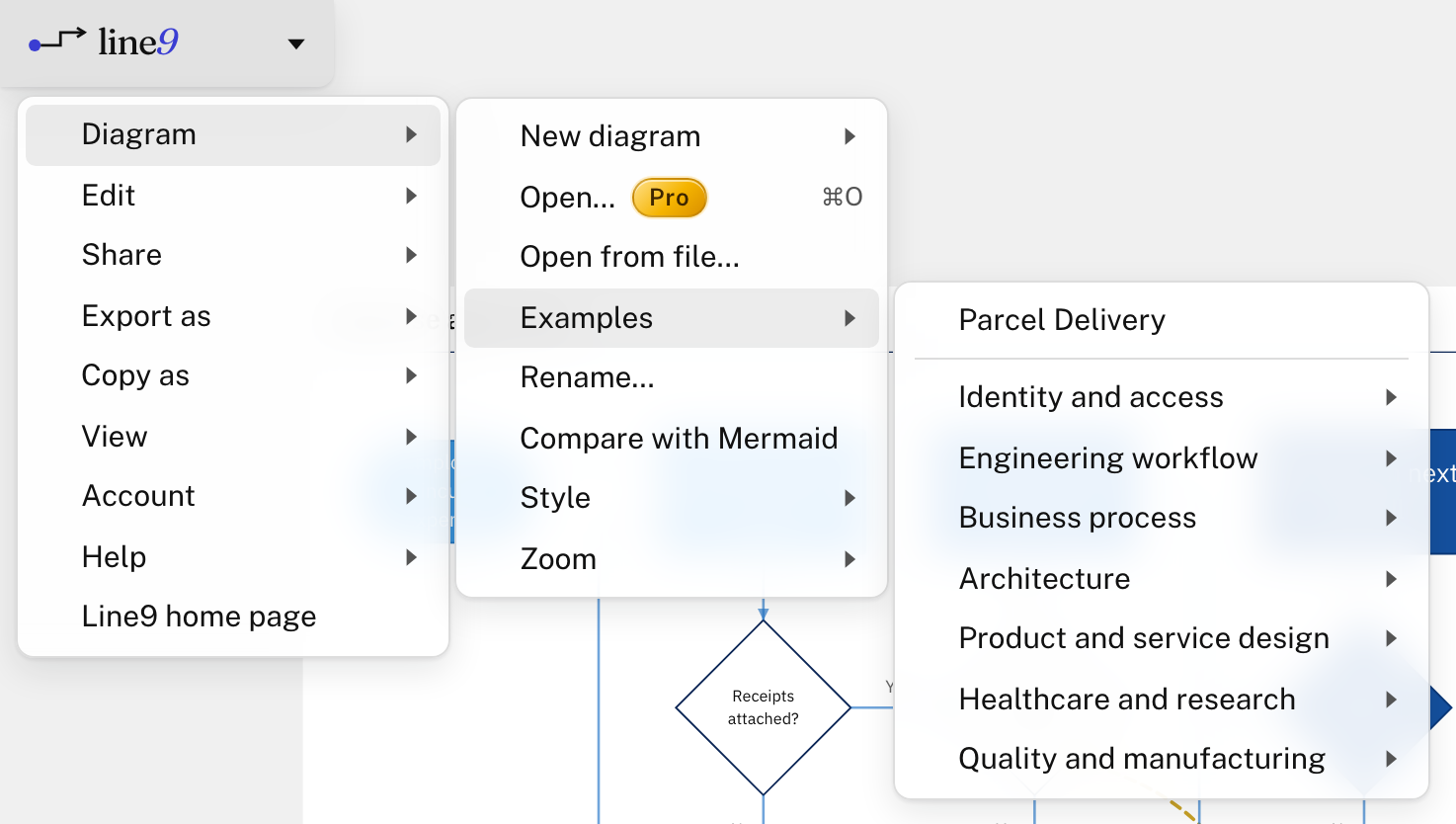
You can also browse the examples, with their Mermaid text, in the flowchart examples library.
Start a new blank diagram
Choose Diagram ▸ New diagram, then Flowchart or Sequence diagram. The text opens on the left, ready for you to type.
With Line9 Pro, a new flowchart opens in the Line9 editor instead. The editor tutorial builds one step by step.
Have an AI draw it
Connect Line9 to ChatGPT, Claude or another chat app, and it draws the diagrams you ask for with Line9. See Line9 in chat apps. Developers using a coding agent, such as Claude Code or Codex, can use the Line9 CLI.
Without Line9 connected, ask the AI for a Mermaid flowchart, then paste its reply onto the diagram page.
Keep your diagram
Line9 keeps your latest diagram in this browser and opens it again when you come back. Opening or starting another diagram replaces it.
To keep a diagram, copy a link, export it or publish it. See Share a link, image or text.
Two diagram types: flowcharts and sequence diagrams
Line9 lays out two types of Mermaid diagram.
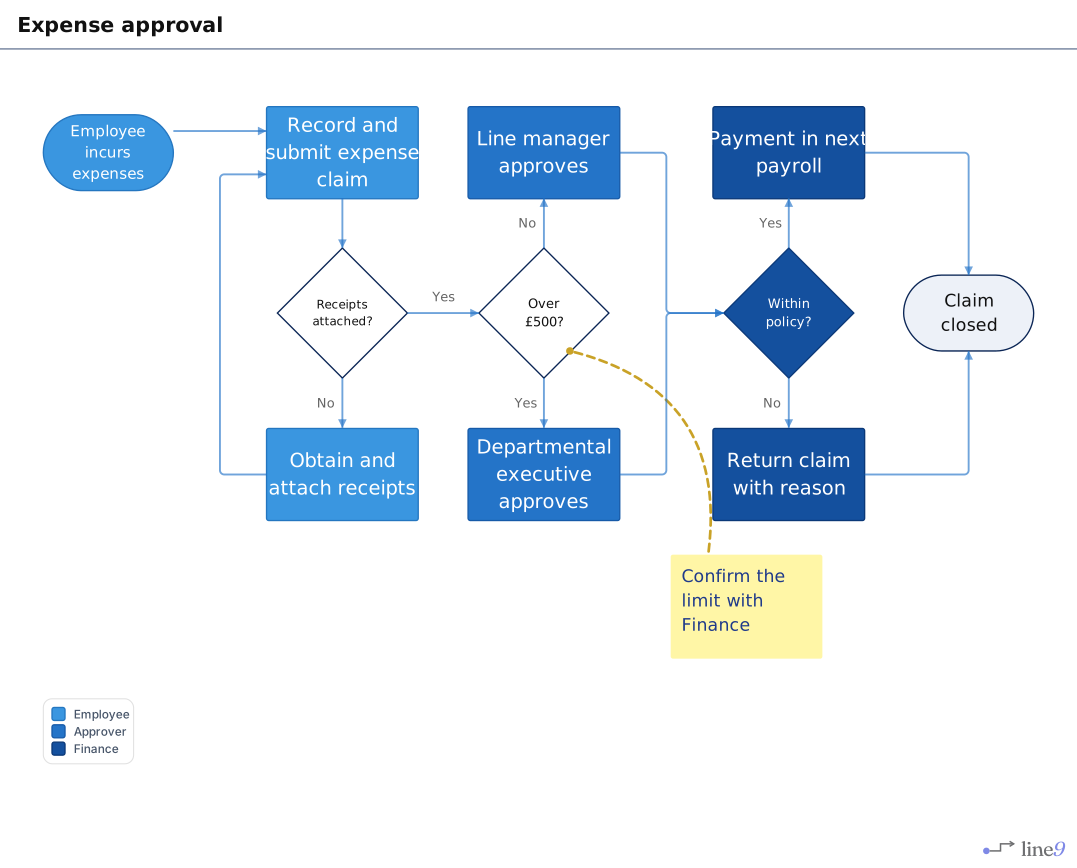
A flowchart shows the steps of a process and the decisions between them.
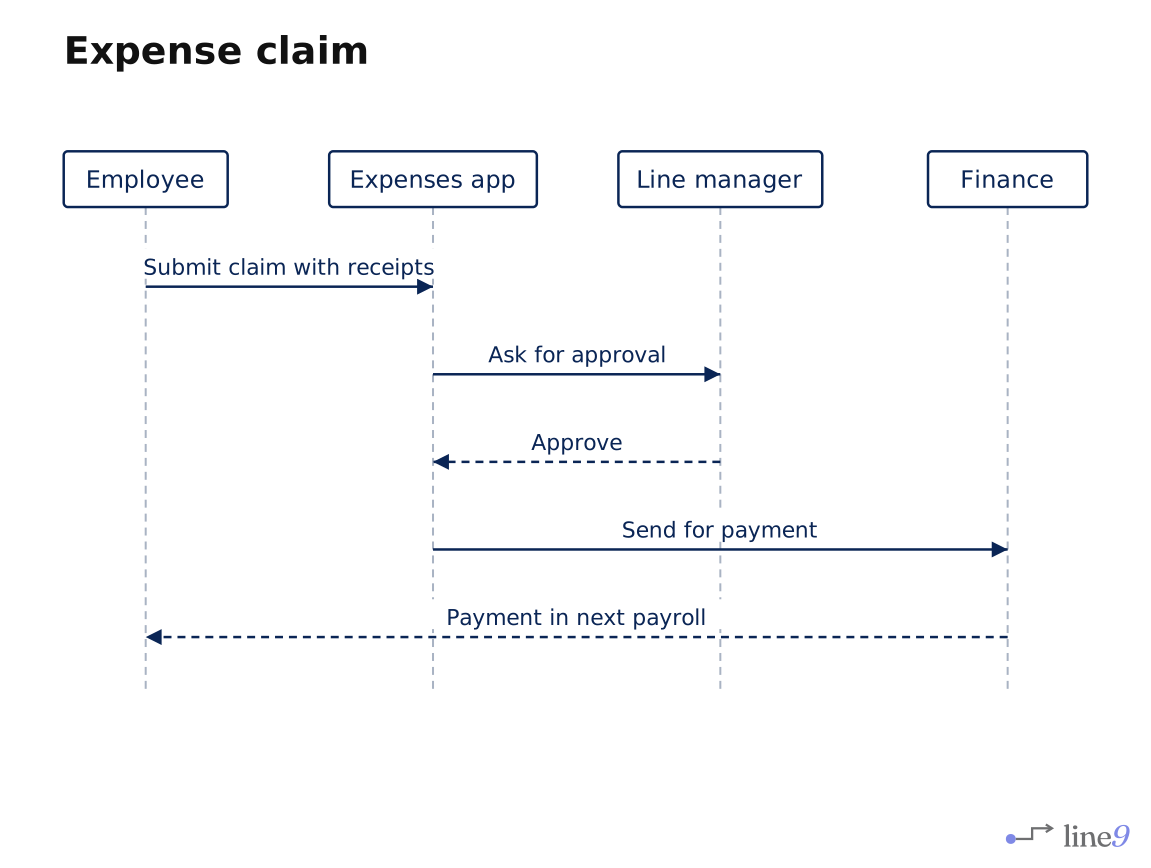
A sequence diagram shows who sends what to whom, in order.
Line9 opens other types of Mermaid diagram too, such as pie charts and Gantt charts. Mermaid draws these, and the diagram page shows a Mermaid label at the top.
Diagram size limit
Line9 lays out diagrams of up to 100 nodes. Mermaid draws a larger diagram instead, with the same Mermaid label. A diagram that size is hard to read, so you may want to split it into several smaller ones.
Next
- Edit the diagram’s text: how Mermaid text describes a diagram.
- Nodes, edges and groups: the parts a flowchart is made of.
- Line9 in chat apps: have ChatGPT or Claude draw diagrams with Line9.