Free to draw. Pro to publish.

Anyone can lay out and style diagrams for free, at home or at work. Line9 Pro adds the diagram editor, publishing and exports without a watermark, charged per seat for individual and team use.

Free

For drawing diagrams, at home or at work.
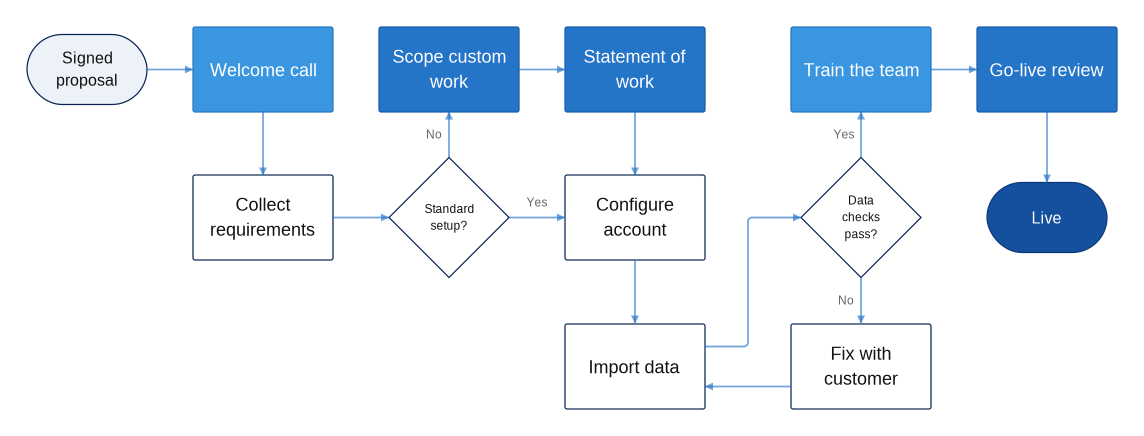
A customer onboarding flowchart drawn in the Boardroom theme
Boardroom, a free theme
$0 no account or card needed
  • Lay out and style diagrams with every standard theme
  • Edit the Mermaid source in your browser
  • Try the diagram editor on any diagram
  • Export to SVG and PNG
  • Share a diagram by link, with the diagram stored in the link itself
  • Draw diagrams in ChatGPT, Claude and Grok
  • The command line, for personal projects
Pro

To publish and share, alone or in a team.

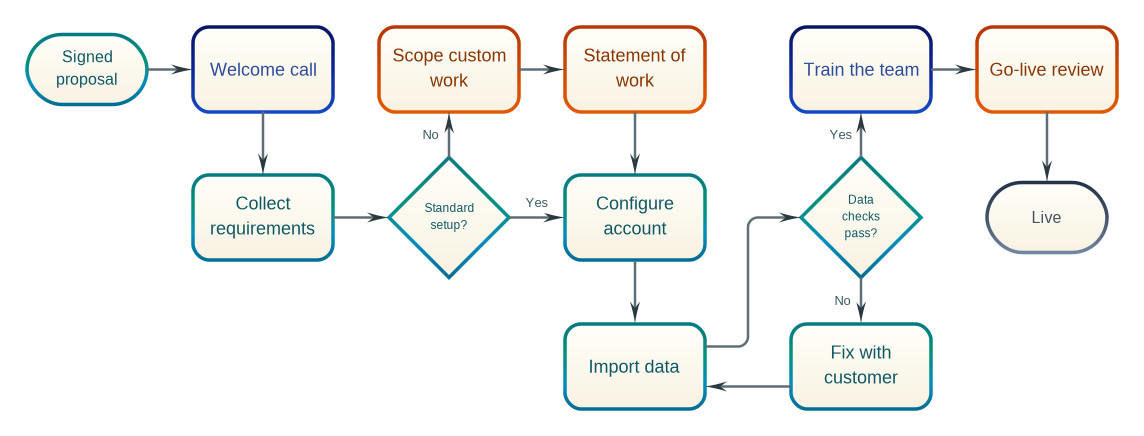
The same flowchart drawn in the Kingfisher theme
Kingfisher, a Pro theme
$10 per seat, per month
billed $120 a year

Everything in Free, plus:

  • The diagram editor: change the diagram directly, with keyboard commands, the mouse or menus
  • A private workspace for your team, with each published diagram at its own line9.ai/d/ address
  • No watermark on exports
  • Commercial use of the command line, including in CI and agent workflows
  • Your team’s published diagrams in ChatGPT, Claude and Grok, and in the command line
  • Embed a published diagram in a README, wiki page or web page, with ready-made Markdown and HTML
  • The Pro themes, starting with Kingfisher

Questions about pricing

Can I use Line9 for work without Pro?

On the web, yes. The diagram page is free for any purpose, including client and business work, and its exports carry a Line9 watermark. The command line is the exception. It is free for personal use: your own projects, learning, and open-source work you do as an individual. Using it in a job, for a client, in a business or on behalf of an organisation needs Pro.

Read the licence terms
Can I try the diagram editor before paying?

Yes. On any diagram, double-click a node or press Enter, then choose Try it. Nothing you change in the trial can be kept: it cannot be saved, copied or exported. With Pro it can.

The editor tutorial
What is the watermark?

A small line9.ai mark drawn on diagrams exported from a Free plan. Pro exports do not have it.

The licence terms for output
Can I try the command line at work before paying?

Yes. The personal-use licence includes a fourteen-day evaluation window, starting from your first use inside an organisation. Output stays watermarked and nothing is published during it. There is no key to enter, and Line9 does not track the days.

The evaluation window in the licence
Do I need more than one seat?

No. Pro starts at one seat. Add seats when a team needs to publish and share together; a seat added part-way through a period is prorated.

How publishing and teams work
Can I cancel?

Yes, at any time in the billing portal. Cancelling takes effect at the end of the period you have already paid for. The unused part of that period is not refunded, except where you have statutory cancellation or refund rights as a consumer.

Billing terms in the licence
How is tax handled?

Stripe Tax works out and collects any sales tax, VAT or GST that applies, from the billing address you give, and shows it at checkout.

Terms
How does this compare with Mermaid’s paid plans?

They include different things, so the prices only give a rough guide. The comparison page sets the two side by side, with what each charges.

Line9 vs mermaid.live